Headroom
Before every long session I'd check two different places for the same number. Headroom puts Claude and Codex limits, reset times, and API spend in the menu bar instead.
Two tools, two places to check
One lives behind a CLI command, the other behind a settings pane. I checked both before every long run.
The meter moved to where I already look
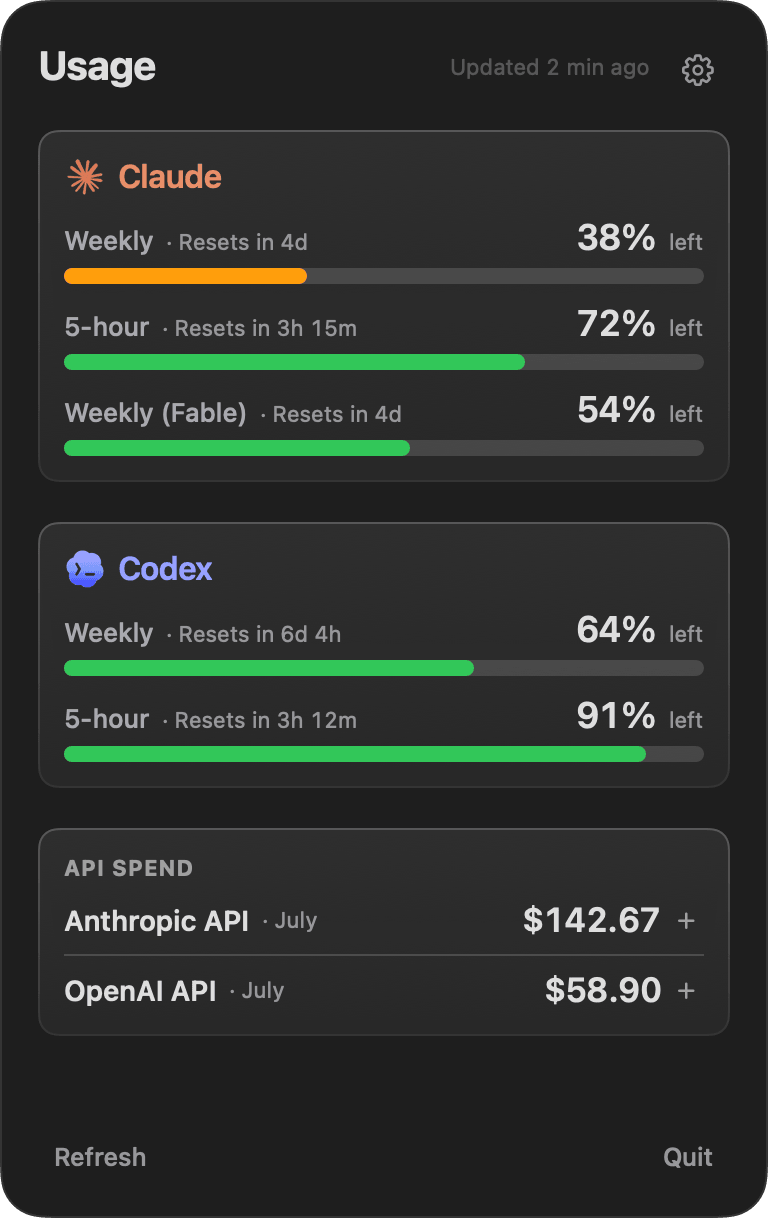
The popover keeps remaining limits, reset times, and monthly API spend together in the menu bar.
Your Mac stays the source
The Mac writes one snapshot. iCloud carries it to the phone. No account, no key, no server in the middle.
I was breaking focus for one number.
Right before a long run, I'd stop to open a CLI just to type /usage, then dig through Codex settings for the same answer. Tiny check, every time. It made long sessions harder to start.
One snapshot, two places to read it.
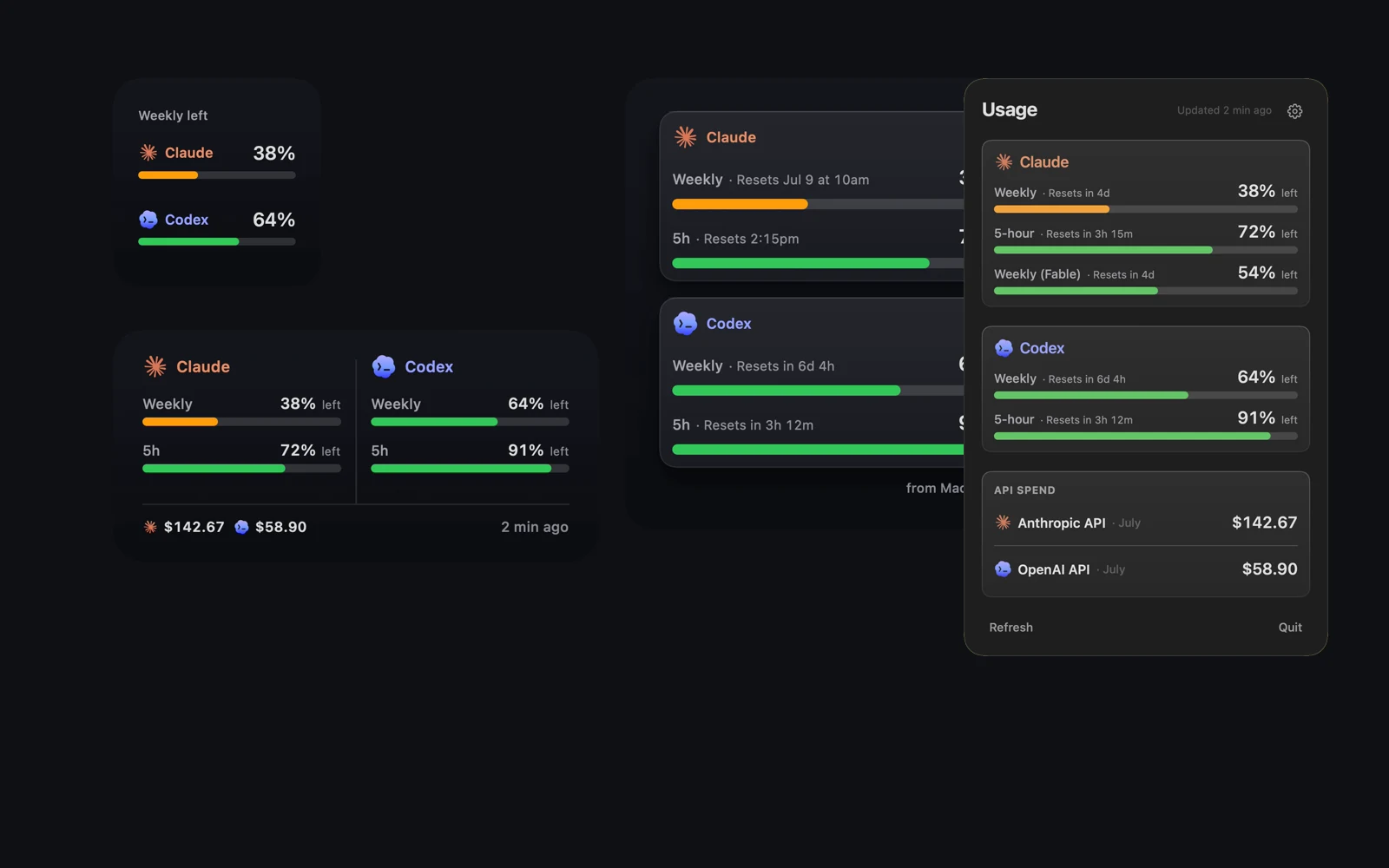
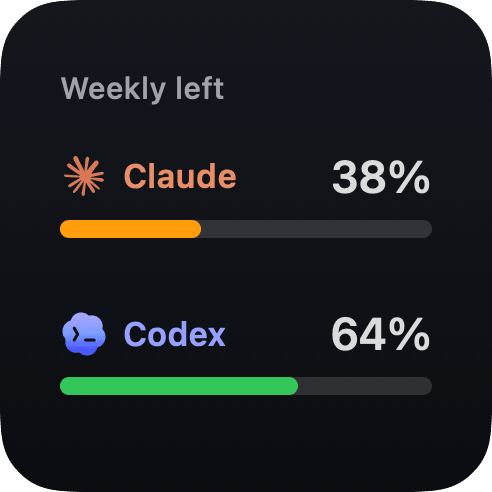
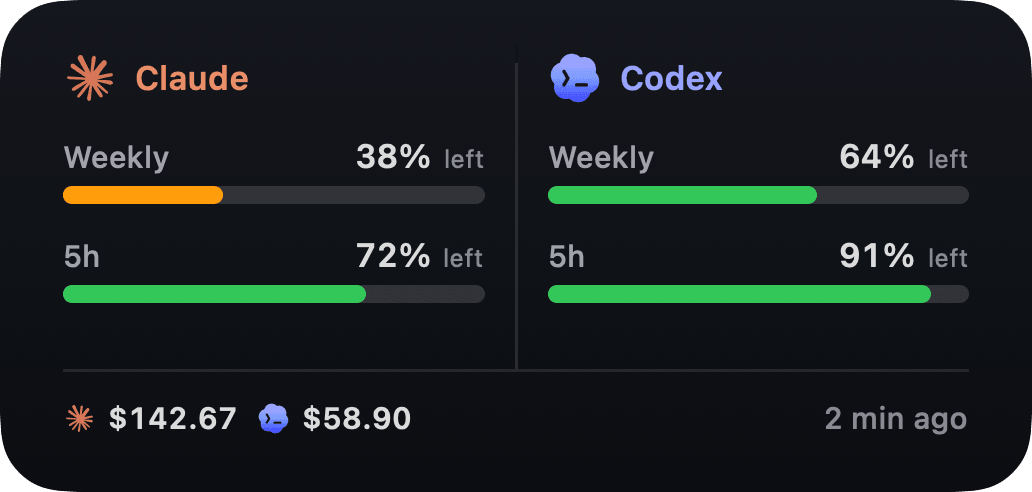
So I moved it. Headroom reads the usage already available from my local Claude and Codex installs, then keeps the remaining limits and reset times one click away. The widgets pull from that same snapshot, so the small one can stay tiny while the large one carries the detail.
The iPhone companion just reads that snapshot. The app is free, too.
On the phone
The same limits, with the sync settings beside them.
The Mac does the reading. iCloud keeps the companion current without a Headroom login.
The answer stays out of the way.
Before I start, the popover gives me reset times and API spend, while the widgets keep the two weekly limits visible without turning the desktop into a dashboard. I haven't typed /usage since.